Health & Medical
Prescription capture, medication scheduling and review flows that need clear extraction, confirmation and privacy boundaries before becoming a product experience.
Examples: Próxima Toma

Applied AI product studio
Próxima Toma and Revolta are available on the App Store. Carry and DROP NOW are in review, while SkewSense continues building focused products around real, repeated workflows.
The studio position
Generic AI tools answer prompts. Real work is a workflow — the same inputs gathered, compared, and turned into a decision, again and again, across too many tools. SkewSense picks one workflow at a time and builds a focused product around it: clearer decisions, reusable outputs, practical tools.
Mobile investment research and market monitoring.
Following the markets is a fragmented routine: watchlists in one app, headlines in another, alerts firing without context, and portfolio notes scattered across screenshots and memory. The information exists — the workflow doesn't.
TutorTrade brings that routine into one mobile workflow. Monitor portfolios, watchlists and material developments from the app, with market intelligence structured as a workflow, not a feed.
TutorTrade in detail →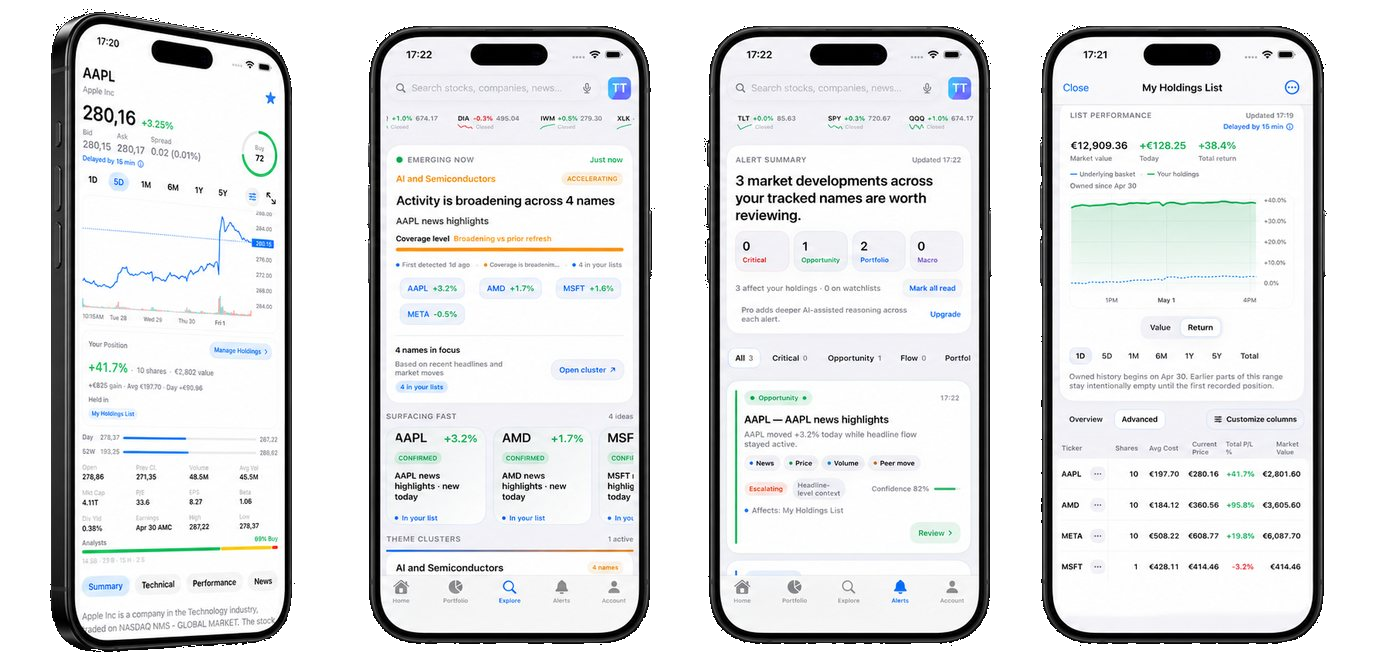
Product focus
Daily monitoring on mobile: keep portfolios, watchlists and the day's developments in one place.
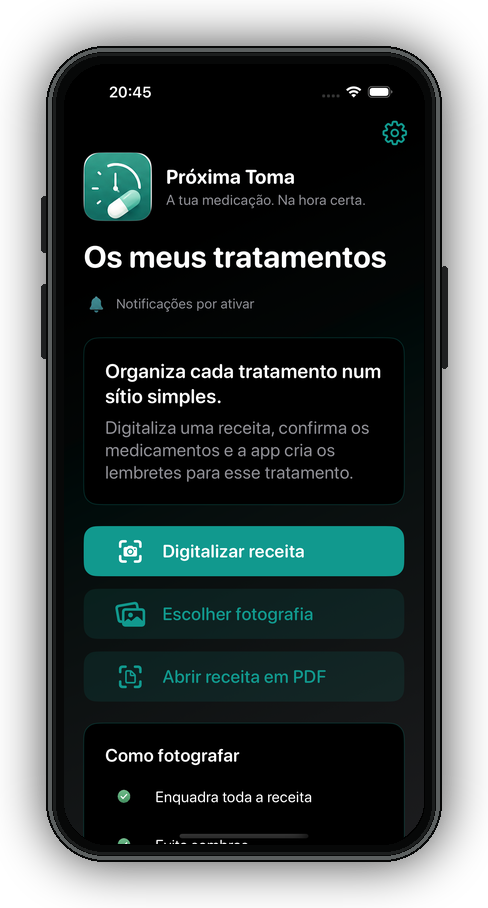
Medication and health records, together on your iPhone.
Medication routines and health records often live across paper prescriptions, alarm apps and scattered notes.
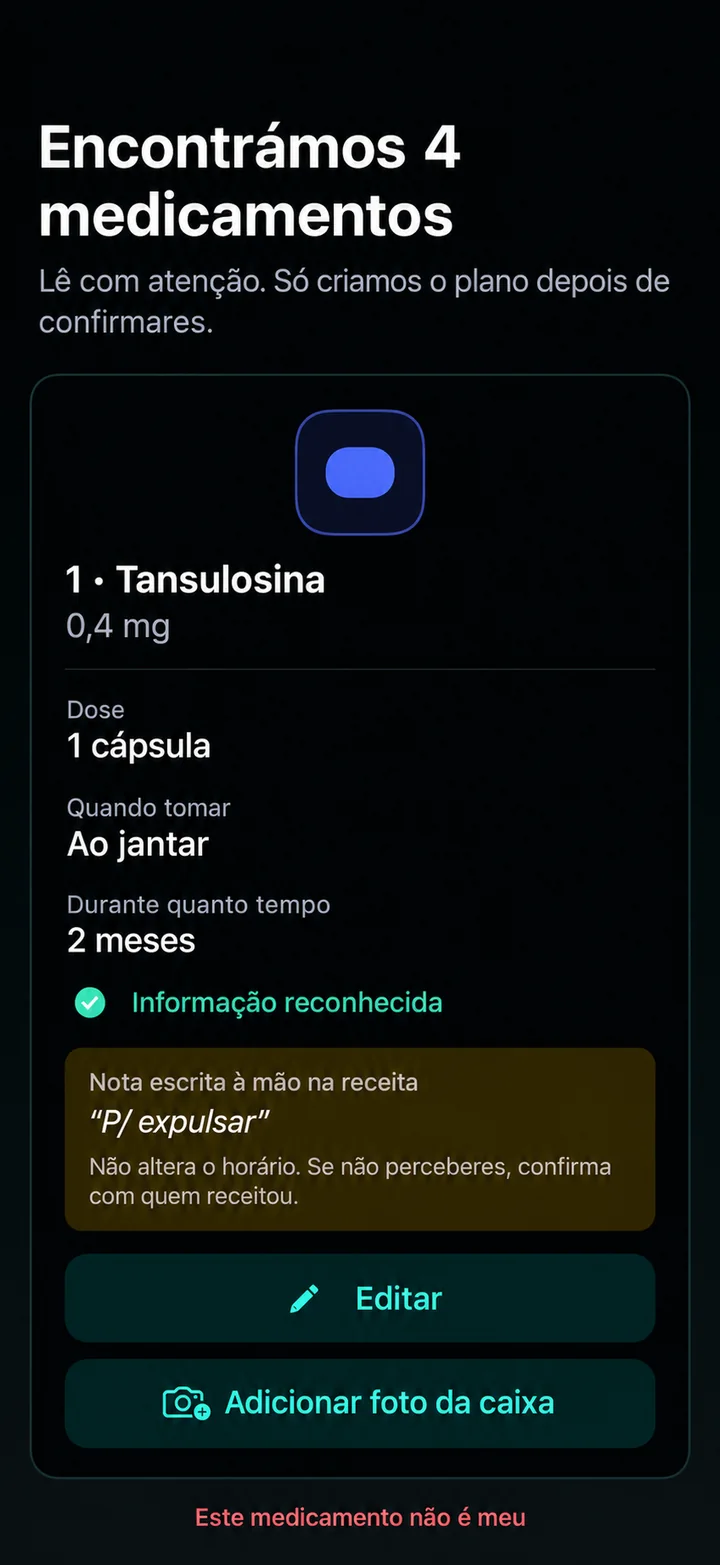
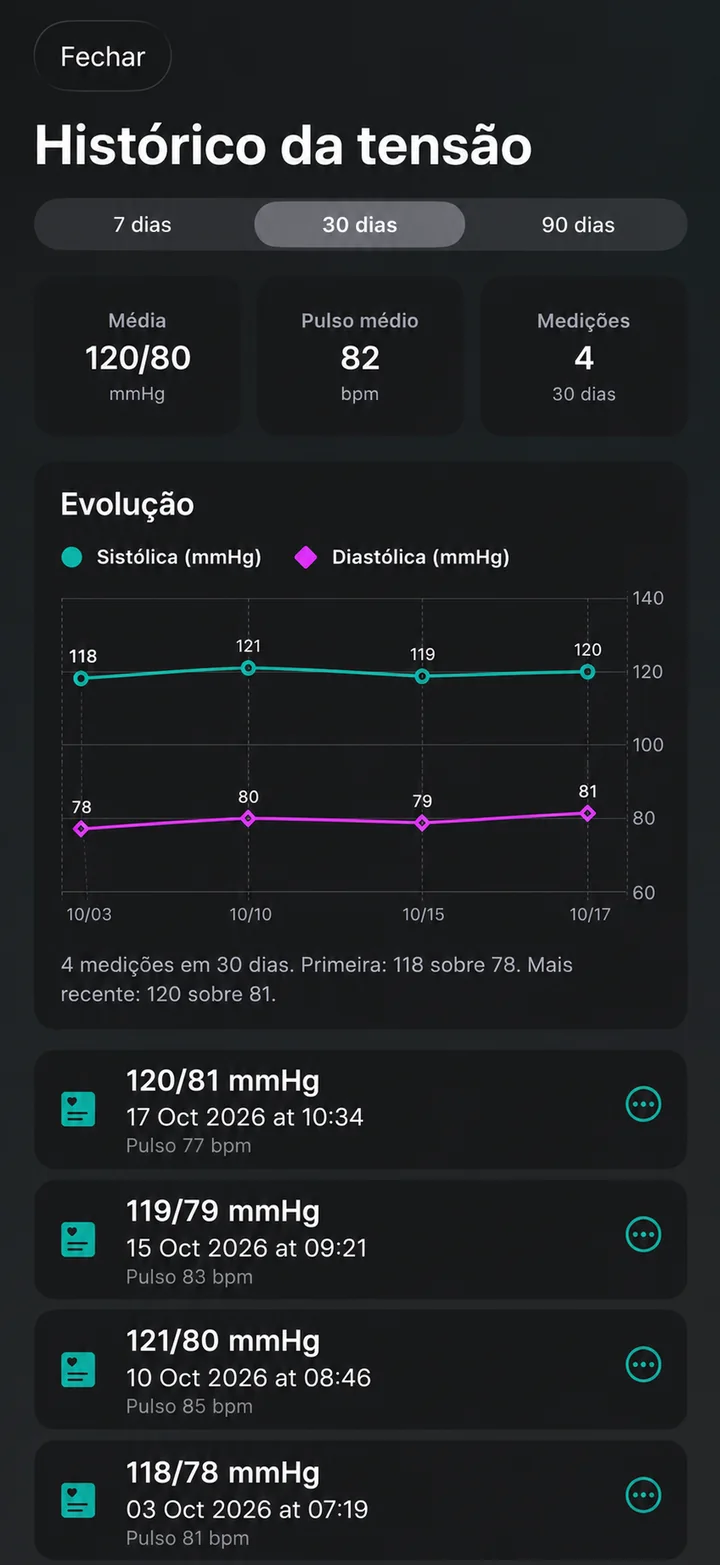
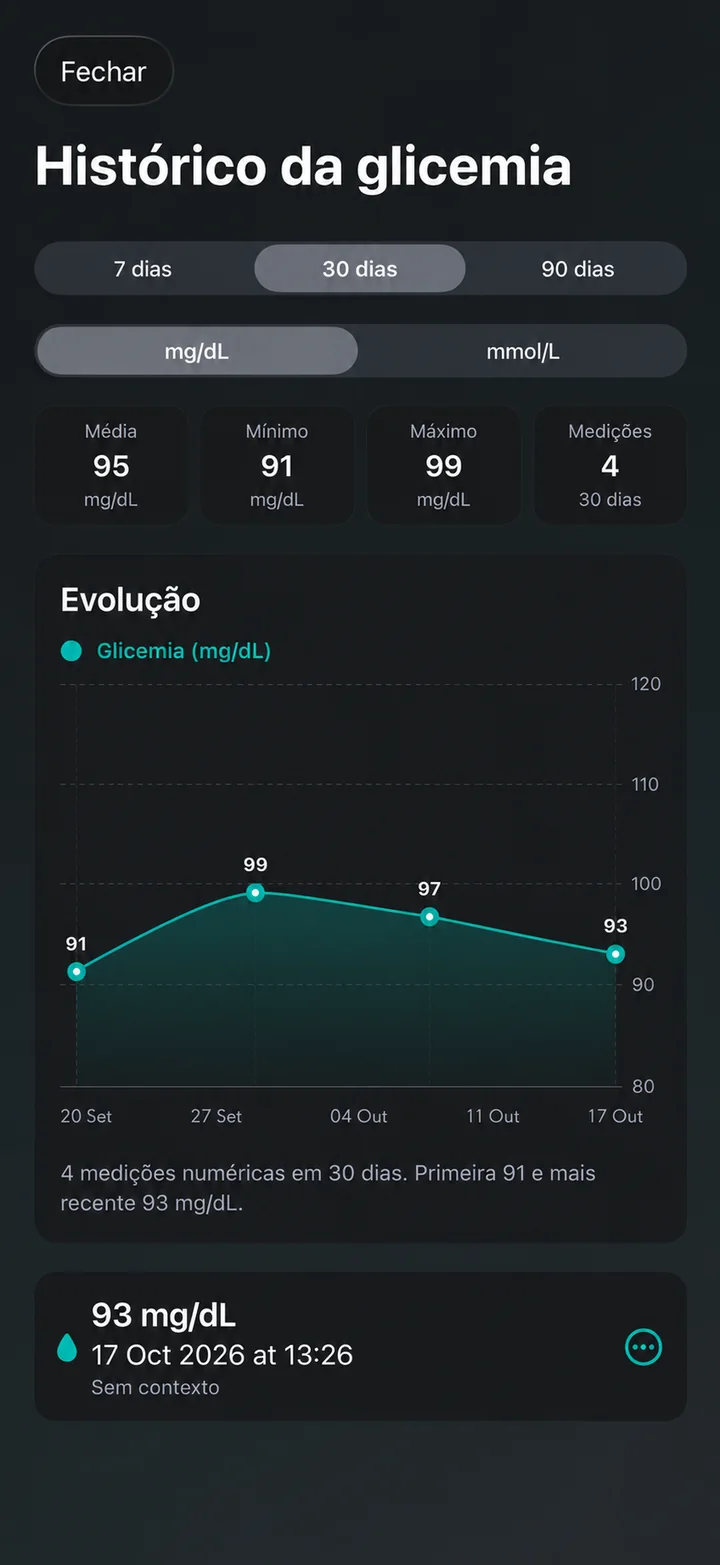
Próxima Toma combines prescription review, medication reminders, package photos, blood-pressure logging and optional glucose tracking in one local-first iPhone workflow.
Available for iPhone · Portuguese-first
View Próxima Toma →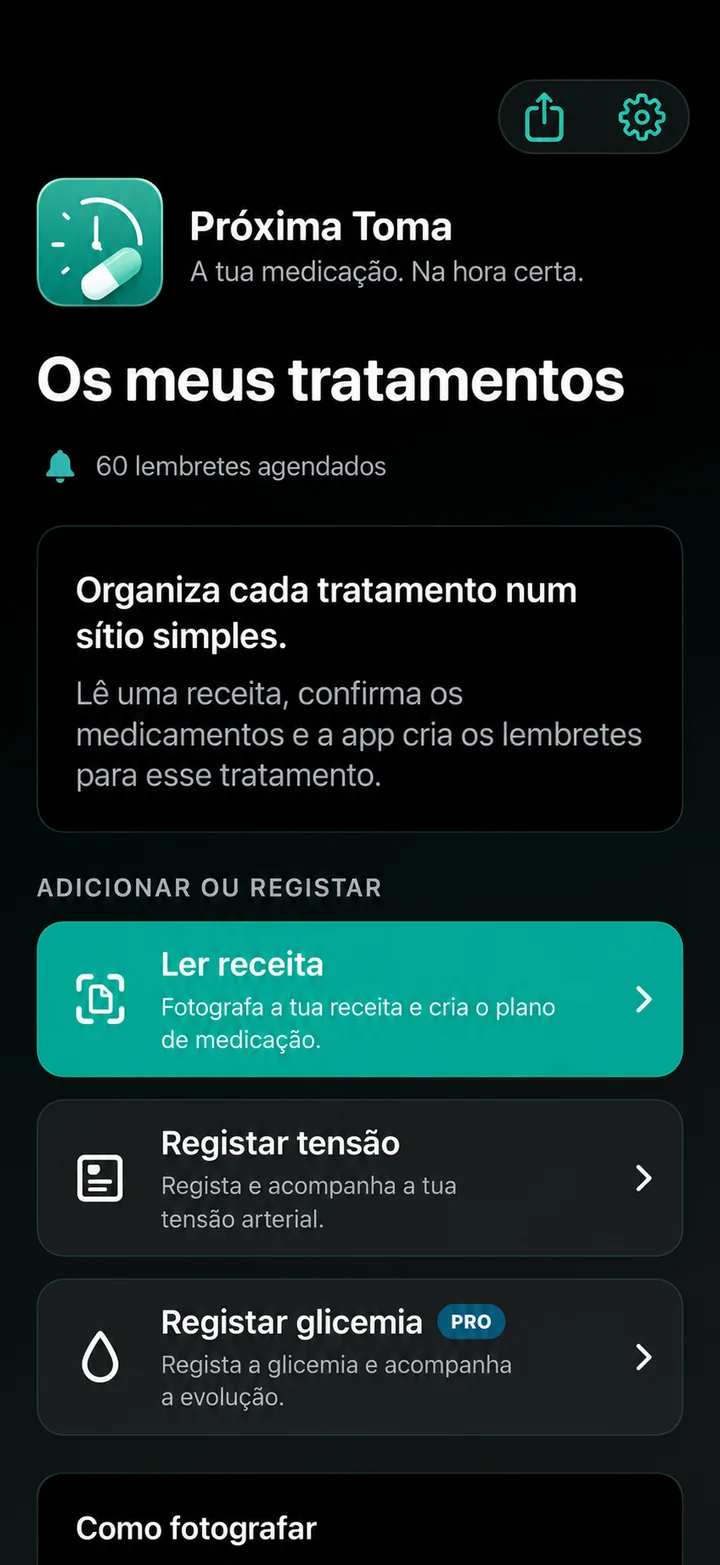
Product focus
A Portuguese-first medication organizer that asks the user to confirm prescription information before creating a treatment plan.
Maps, routes and navigation
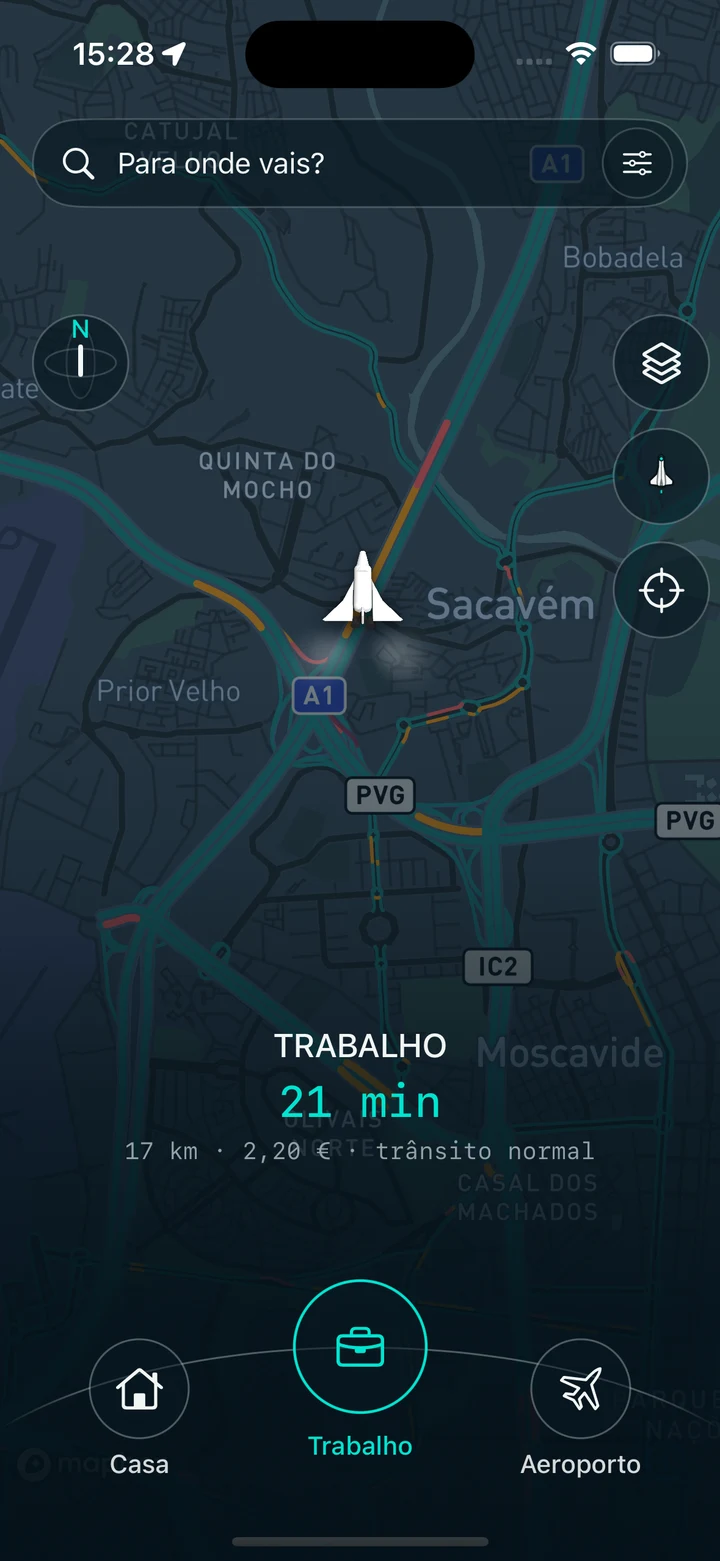
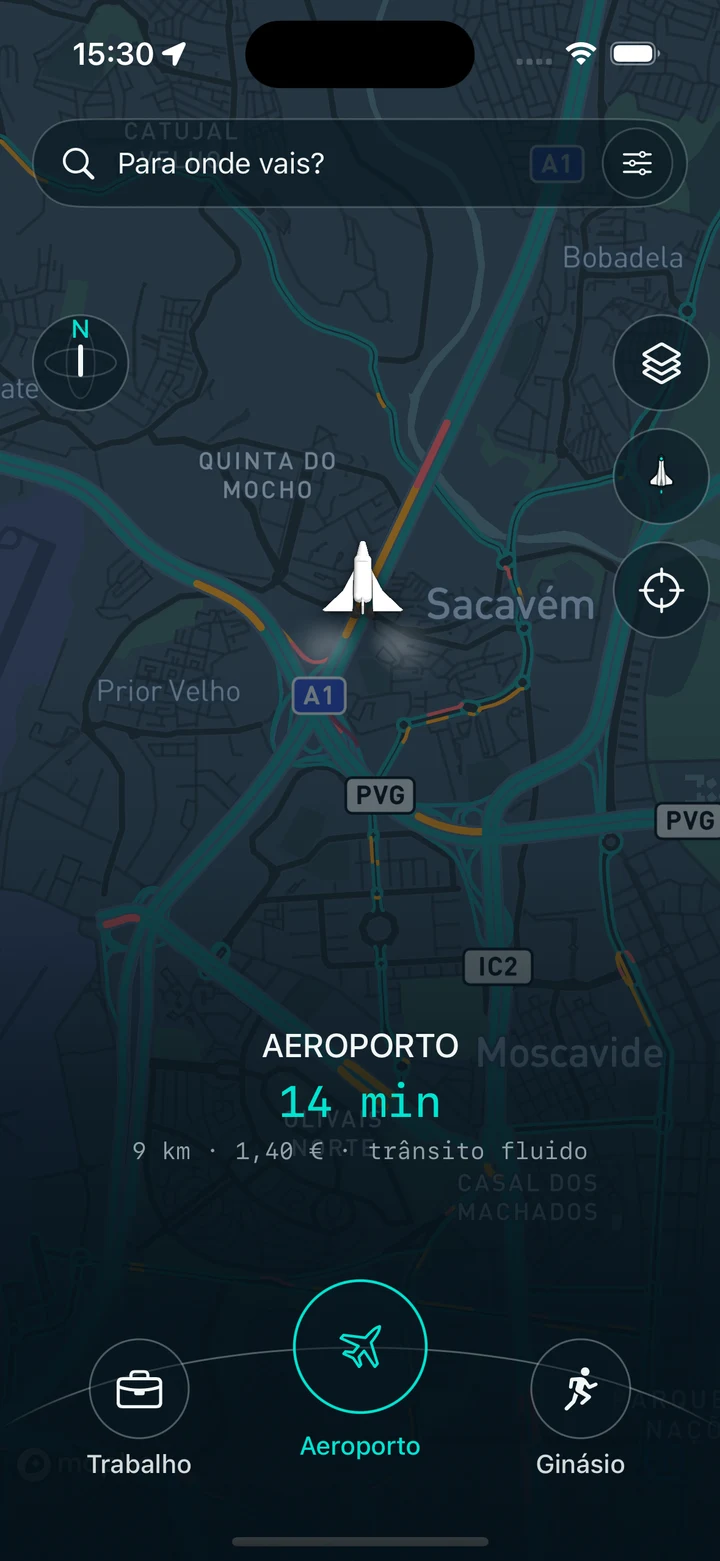
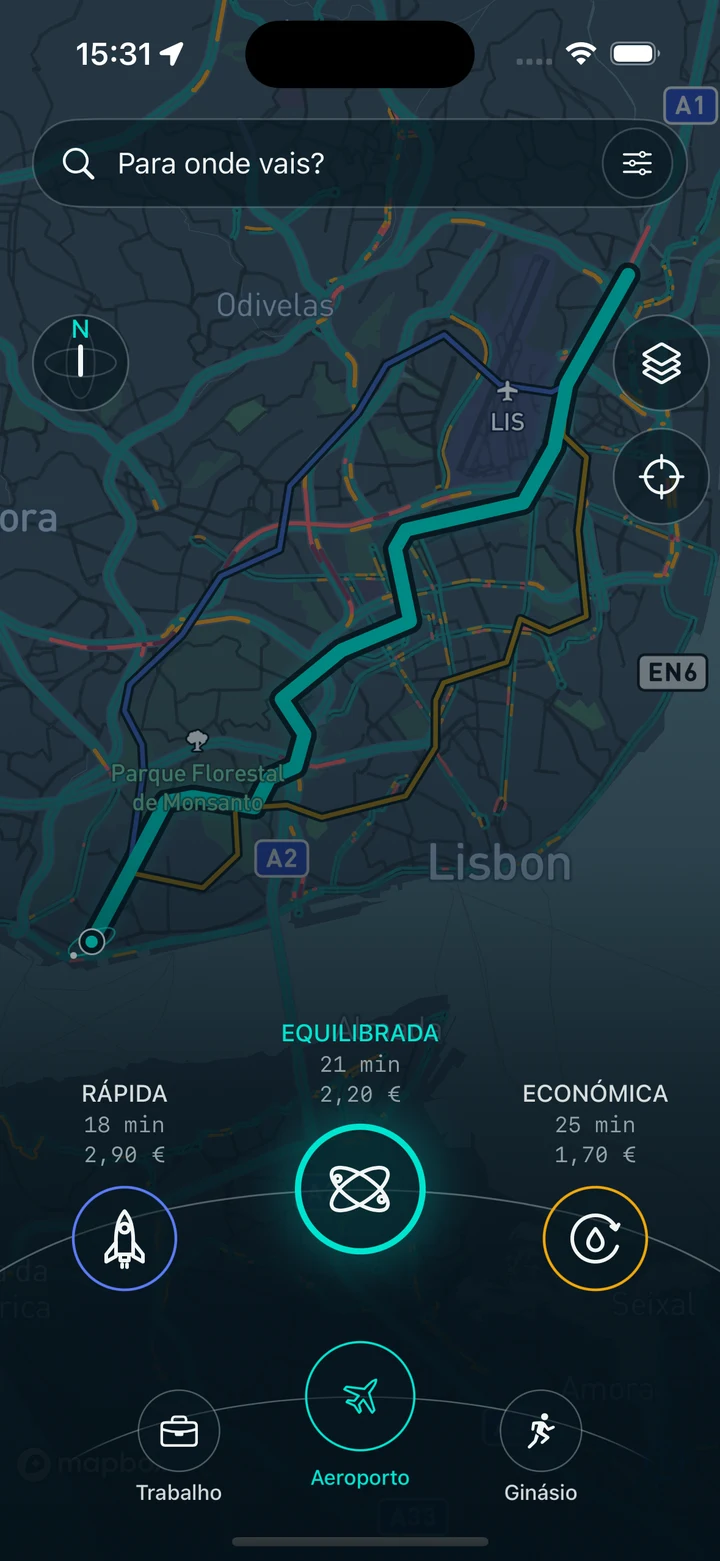
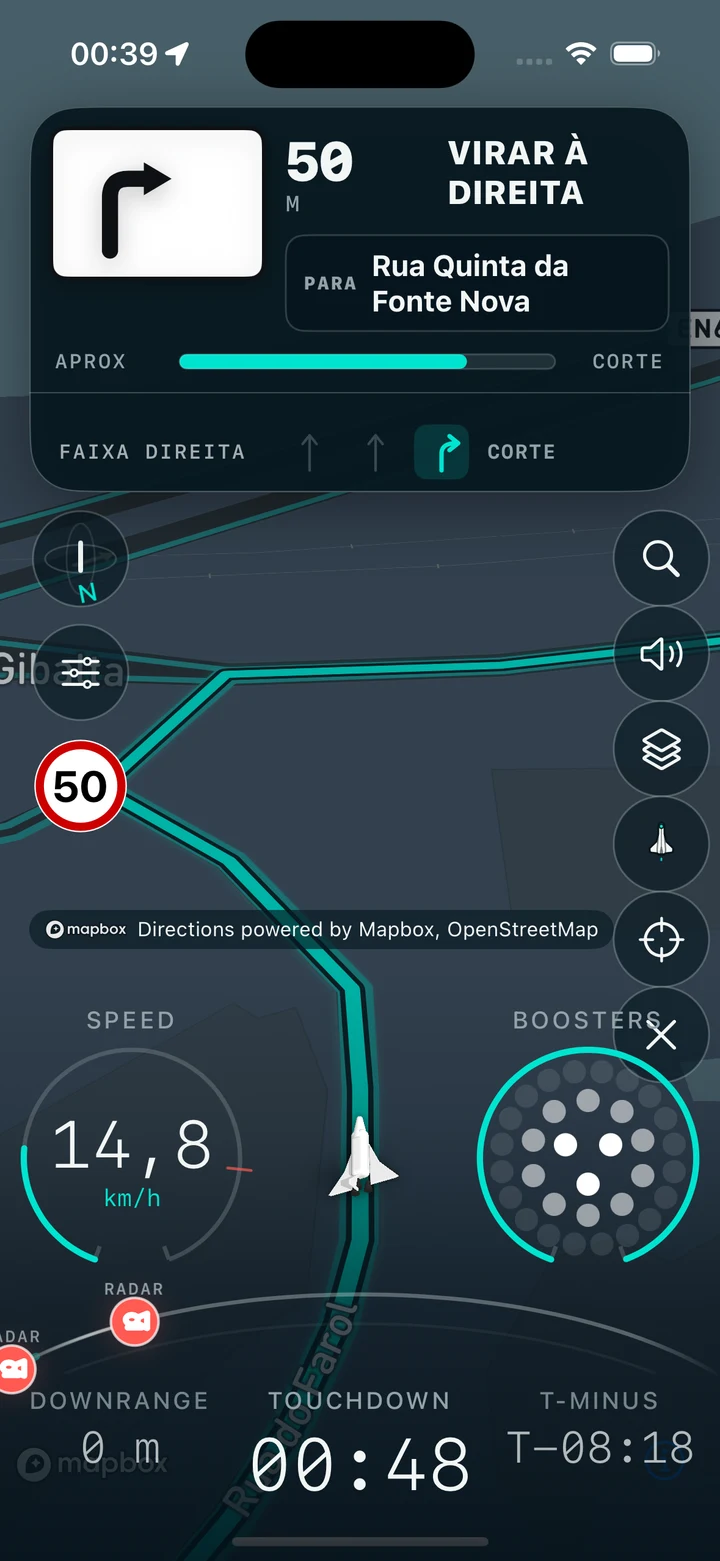
Find your destination, check the route and get going on your iPhone.
Navoom brings destination search, routes and navigation together in one iPhone app, designed to make each journey clear and easy to follow.
Find a return point before you leave home.
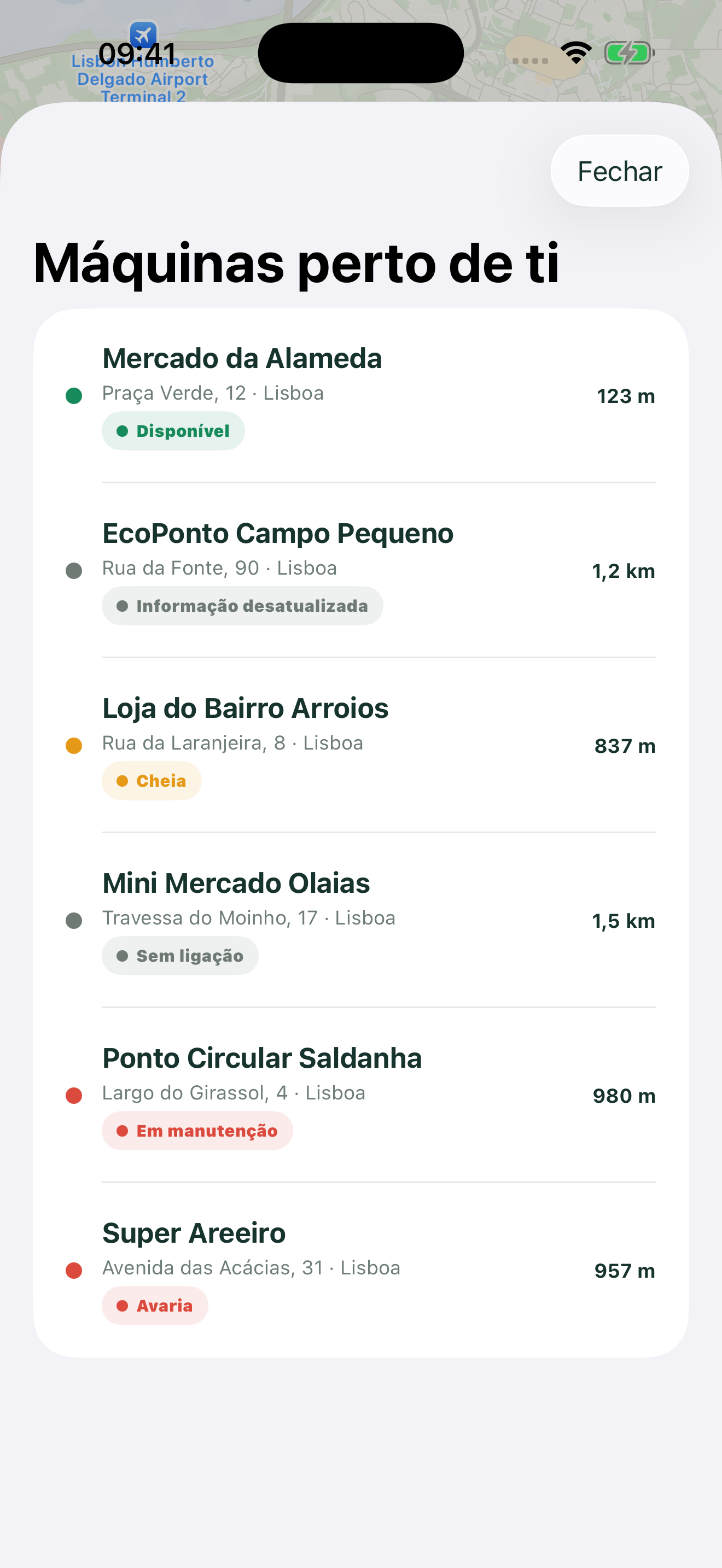
Returning bottles and cans should not mean guessing which shop has a machine, whether it is working, or whether it is already full.
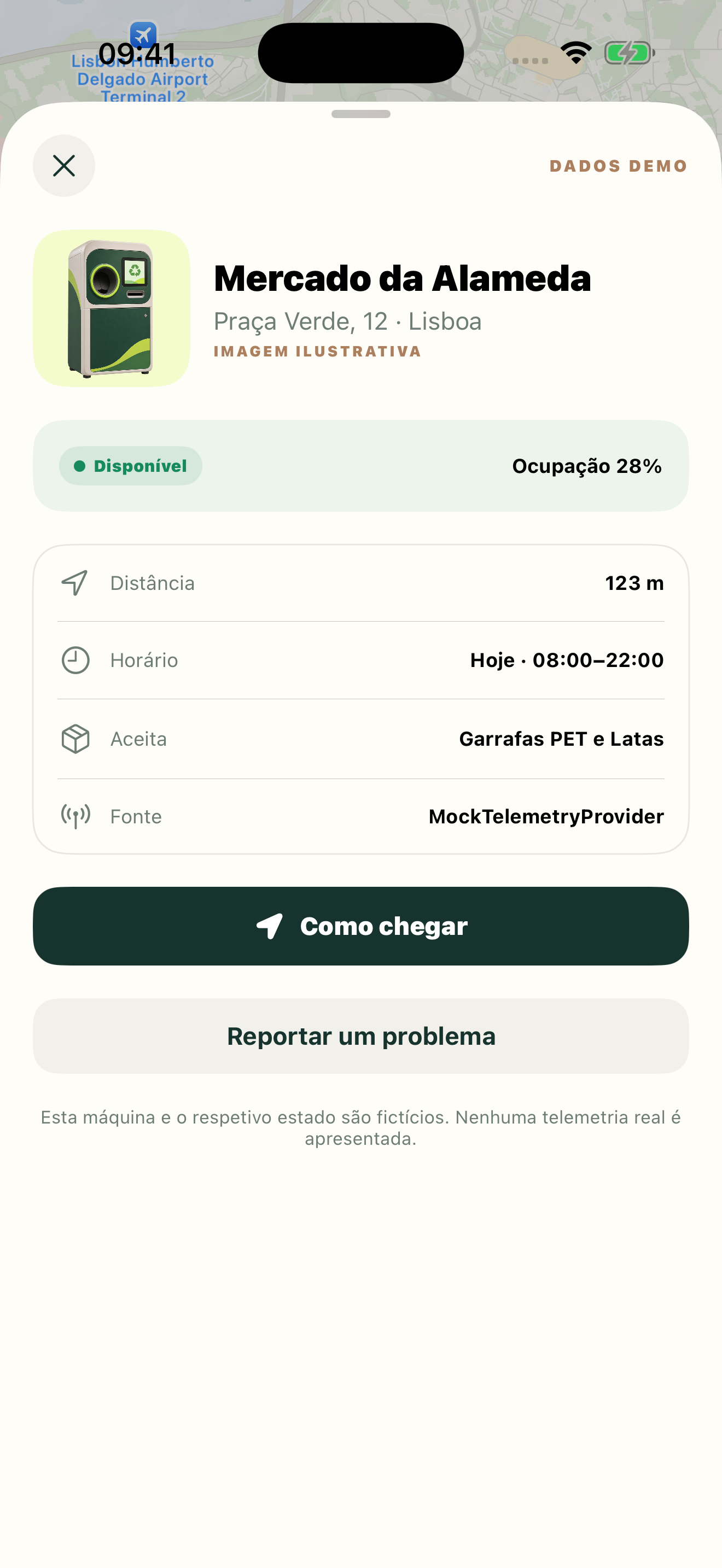
Revolta turns Portugal's official return-point directory into one clear mobile workflow: explore the enriched map, compare distance and point type, open directions, and complement authorised telemetry with clearly identified community reports.
Available for iPhone · Web map available
Open Revolta →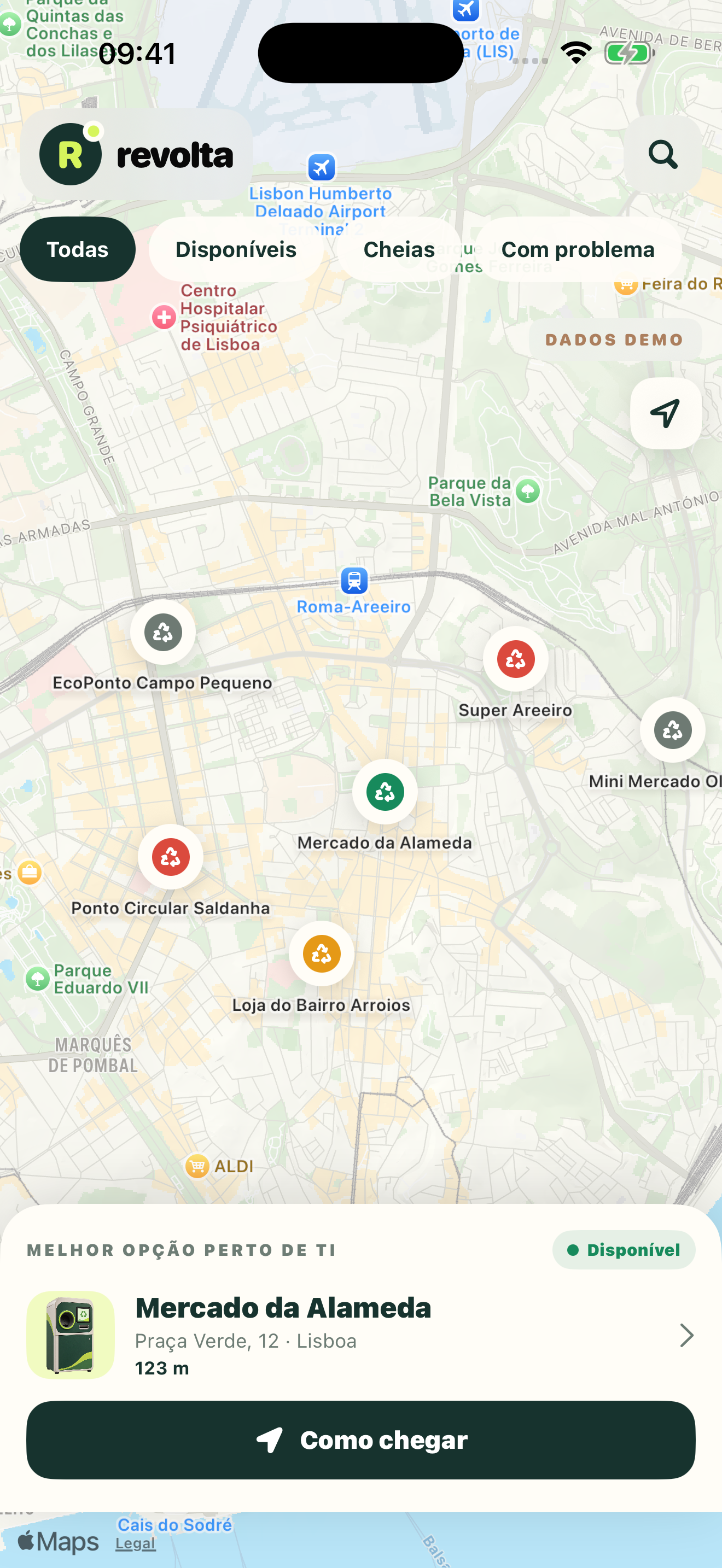
Product focus
A mobile-first return-point locator with an enriched map, official locations, machine details and transparent status sources.
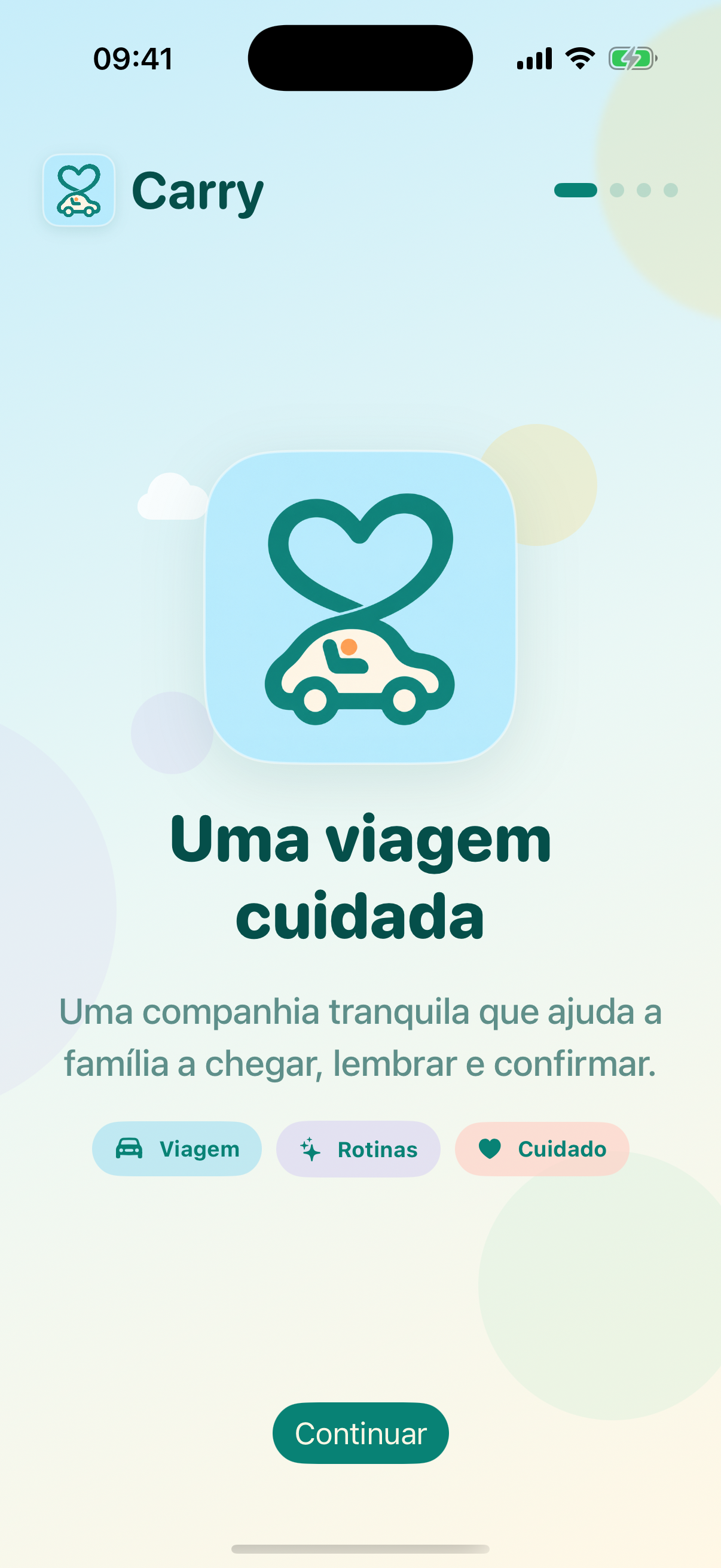
A cared-for journey for every family.
School runs and family journeys depend on memory, routine and timely confirmation — especially at the moment a car stops and everyone is expected to have arrived safely.
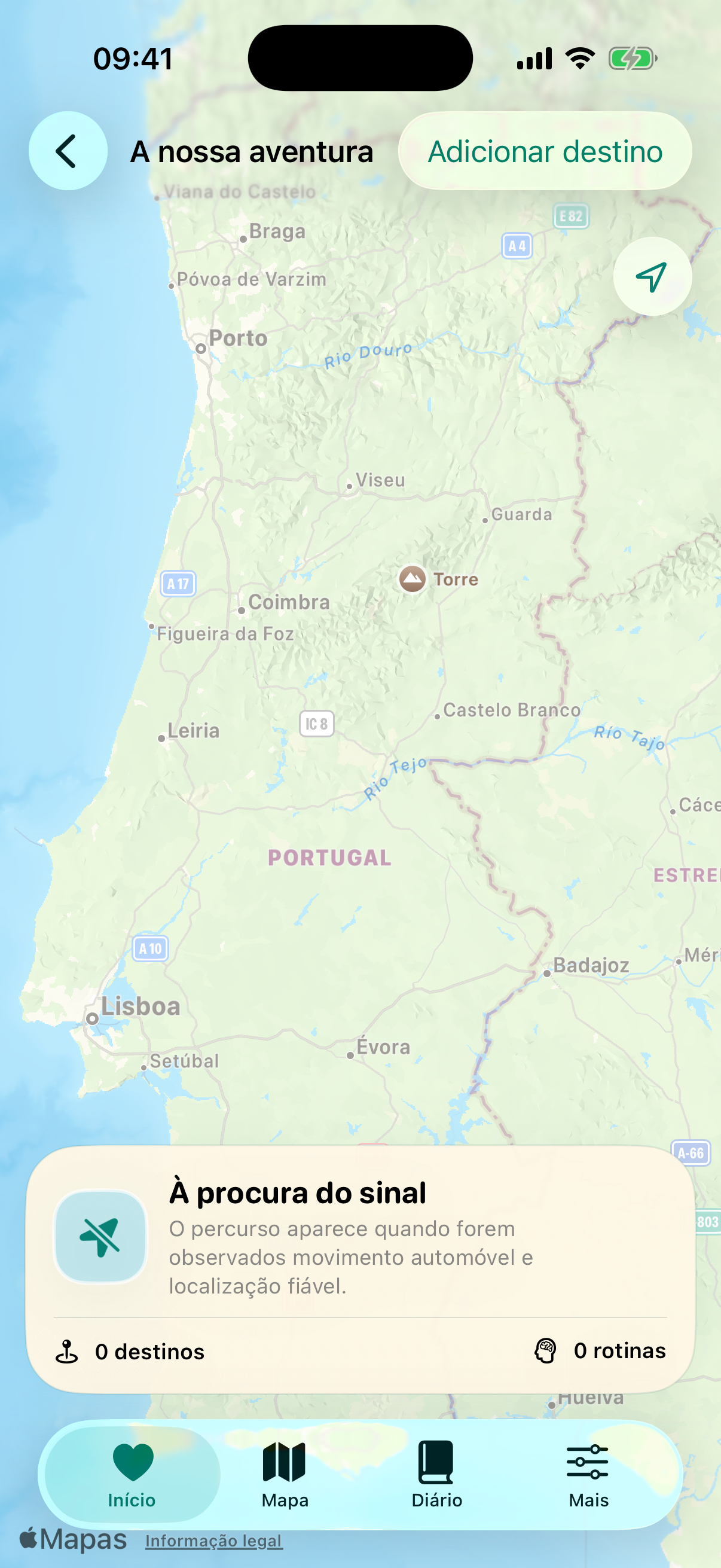
Carry combines location, motion and familiar destinations on the iPhone to recognise journey patterns and request an explicit safety check when the observed signals require one. It treats every signal as context, never as proof of a child's presence or delivery.
iPhone · Submitted for App Store review
View Carry →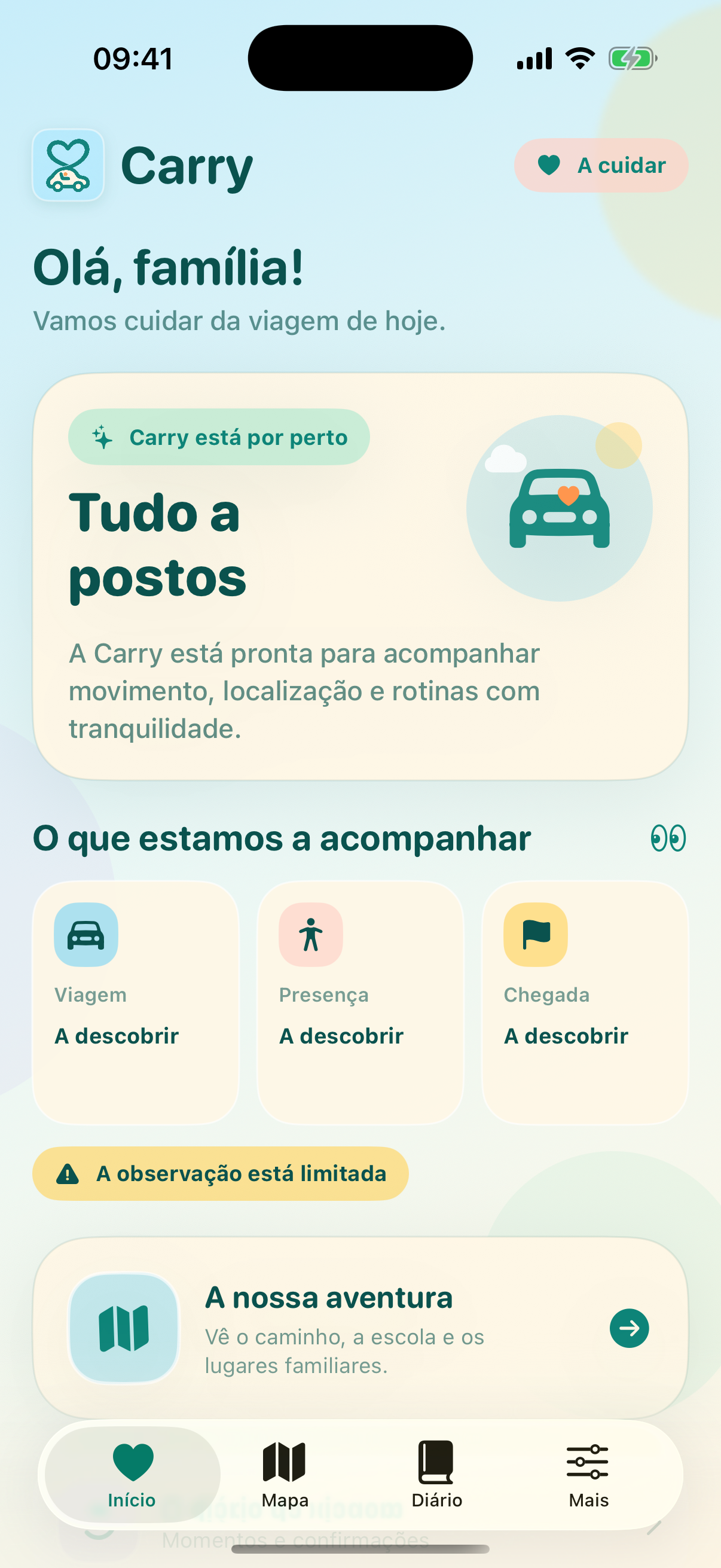
Product focus
A calm family interface for reviewing journeys, saved destinations, routine patterns and safety confirmations.
Before you leave, know where to drop it.
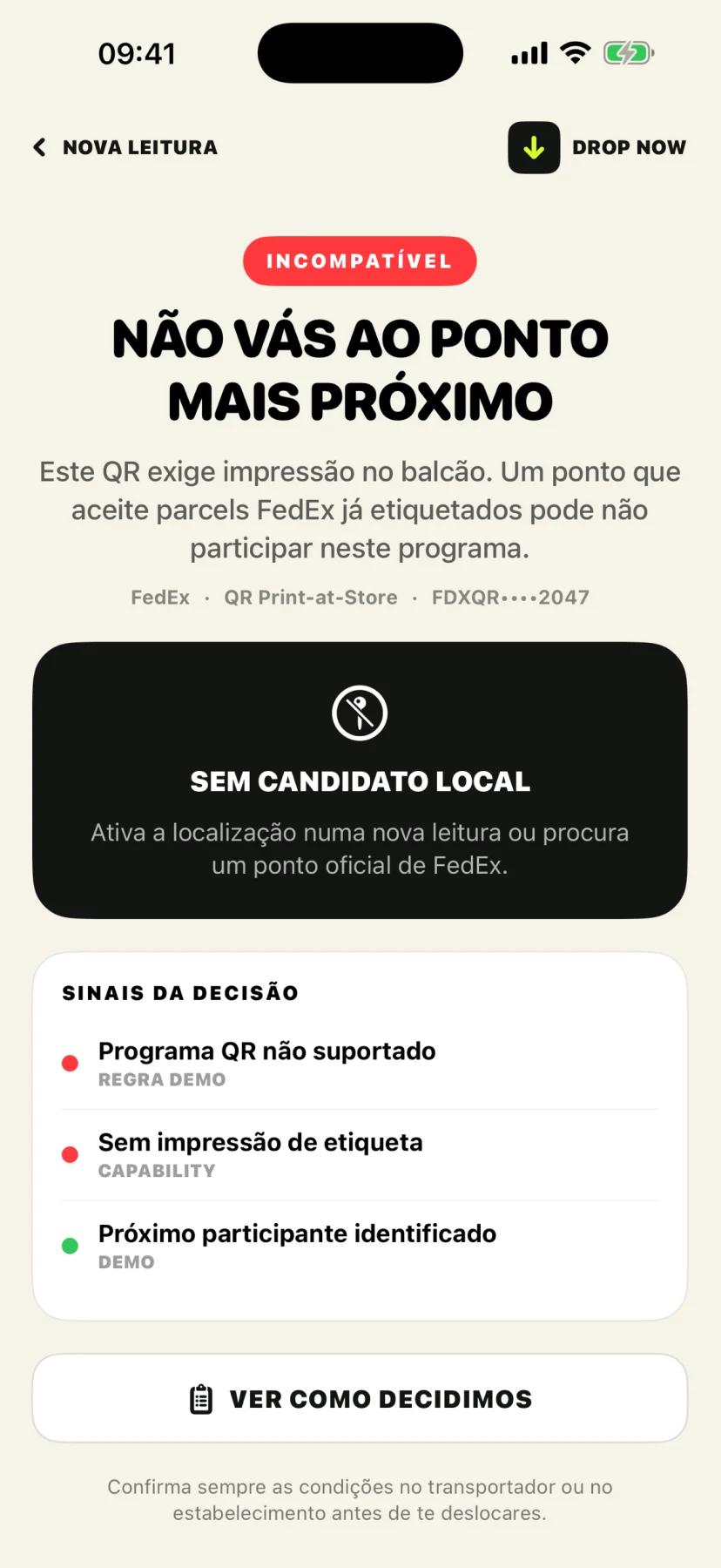
Returns and parcel drop-offs often start with uncertainty: a label, an unfamiliar carrier programme and a nearby point that may not accept that exact shipment.
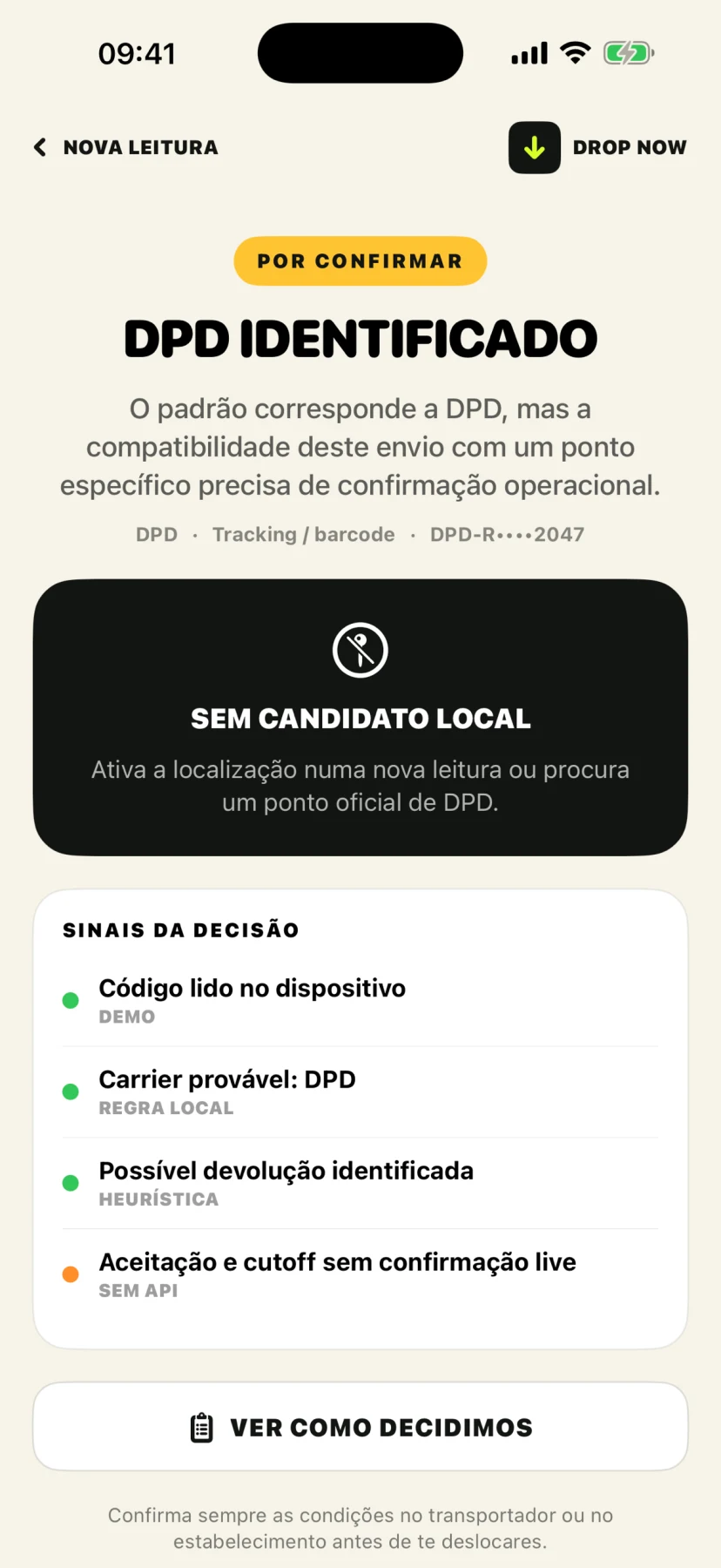
DROP NOW reads a label on your iPhone, identifies the likely carrier and explains the signals behind the result. With optional location access, it also searches Apple Maps for nearby candidate drop-off points.
iPhone · Portuguese-first · Free · Submitted for App Store review
Explore DROP NOW →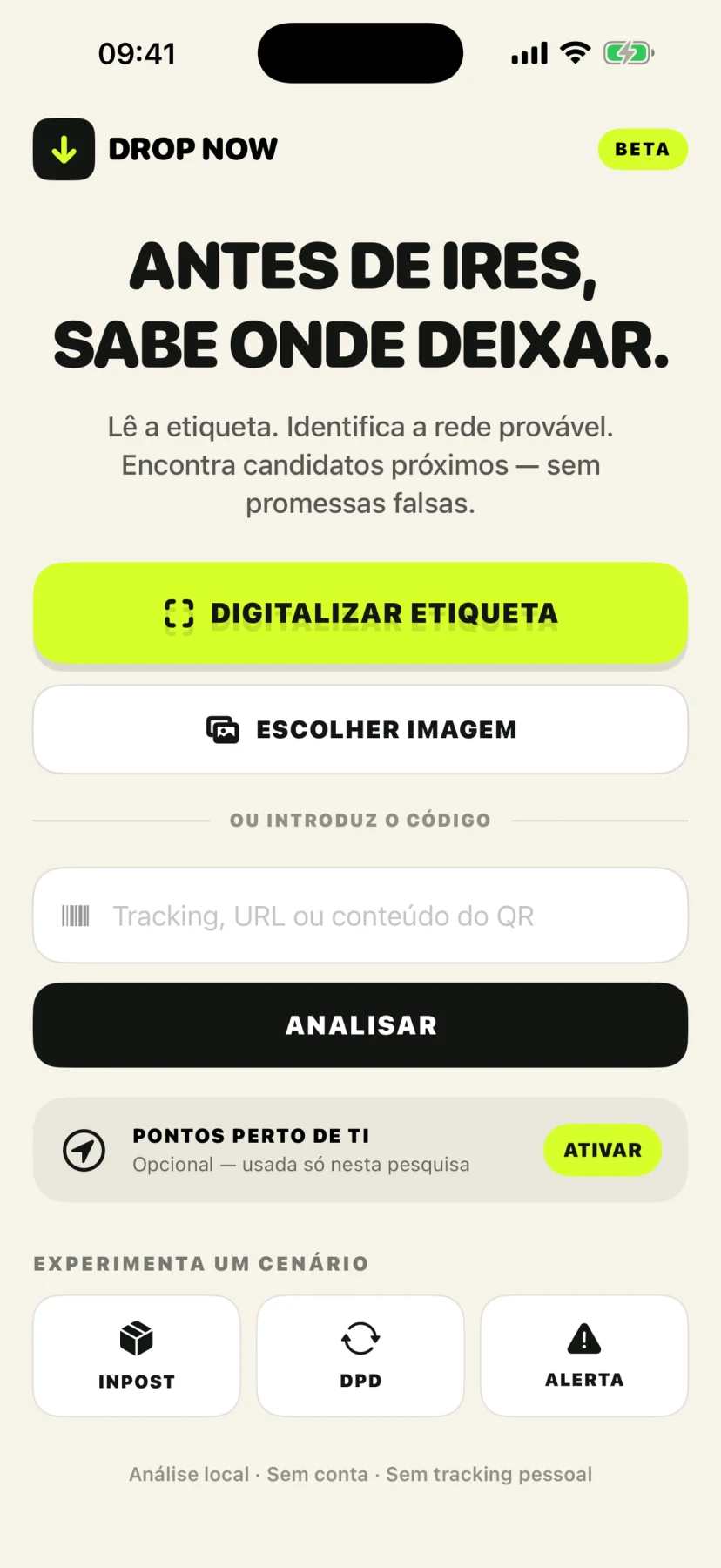
Product focus
A focused parcel-return assistant that turns a label into a clearer next step without pretending that a candidate location is guaranteed to accept the shipment.
Applied research across focused product areas, from launch-ready workflows to early explorations.
SkewSense research maps the workflows behind focused mobile products: medication treatment management, market monitoring, route interfaces, visual creation and camera-led intelligence. Some areas are already productized; others remain research examples until they are ready to be presented as products.
Prescription capture, medication scheduling and review flows that need clear extraction, confirmation and privacy boundaries before becoming a product experience.
Examples: Próxima Toma
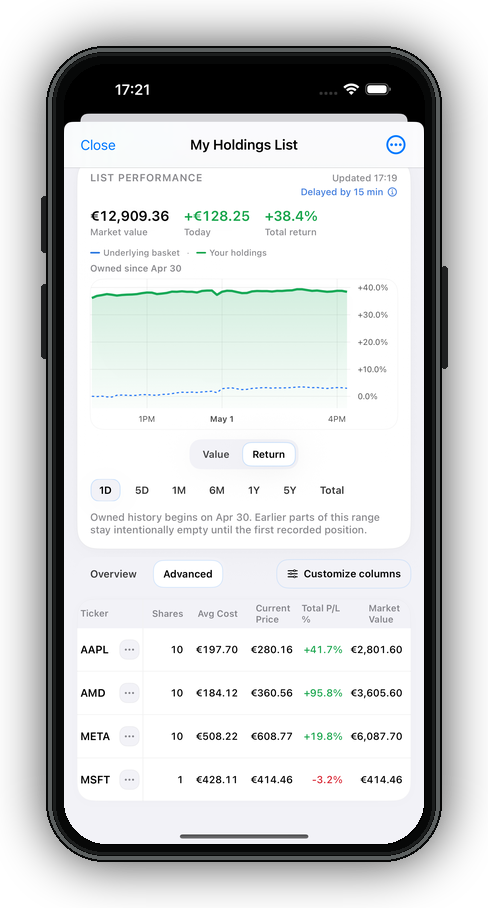
Portfolio monitoring, watchlists, alerts and evidence-led research workflows that help people organize market context without presenting recommendations as certainty.
Examples: TutorTrade
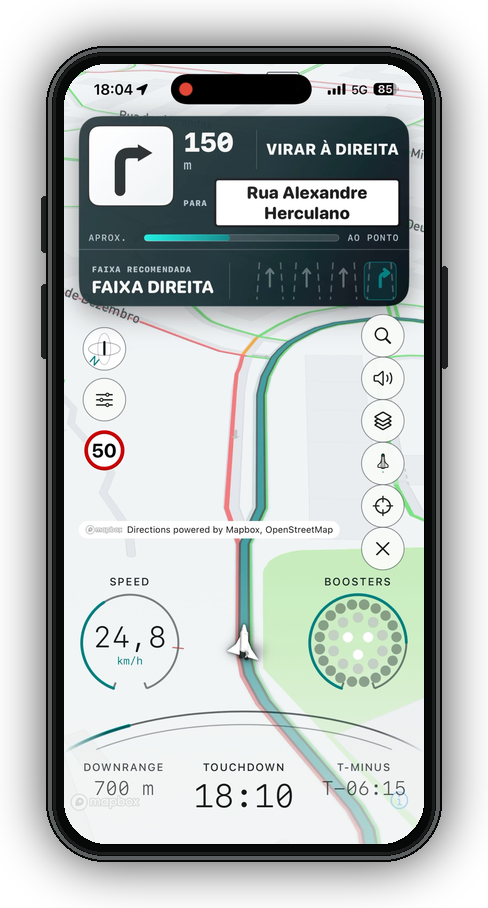
Navigation and route-assistance research focused on readable guidance, glanceable telemetry and vehicle-state interfaces that stay useful under movement.
Examples: ROV
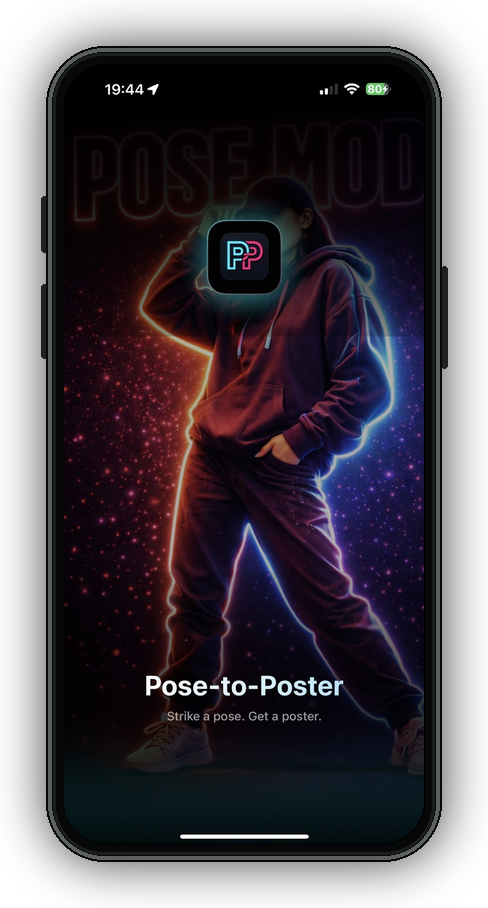
Creation workflows that turn pose, reference and style inputs into structured visual outputs without turning the product into a generic image prompt surface.
Examples: Pose-to-Poster
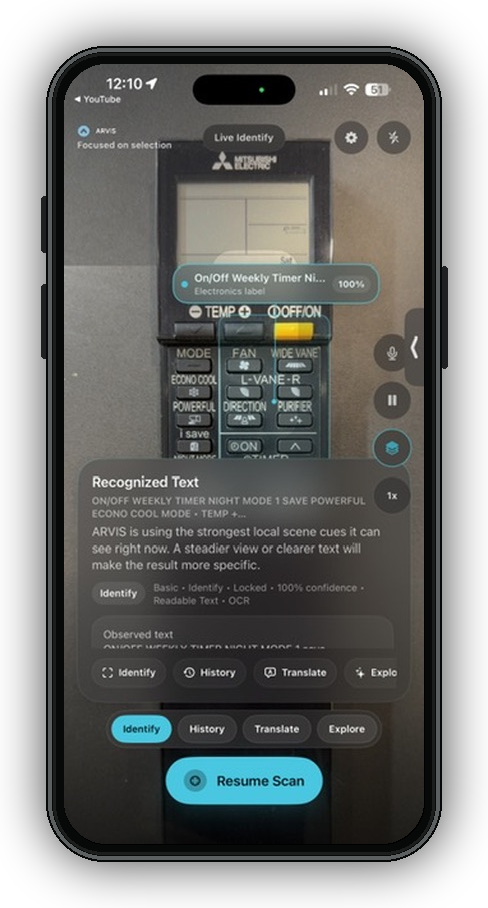
Camera-led identification, OCR, translation and local context flows for understanding objects or text in front of the user with clear confidence boundaries.
Examples: Verse-For-You, ARVIS
How SkewSense builds
Every product begins with a real, repeated piece of work — not with a capability looking for a use case.
A product you can understand in a minute and use every day beats a platform you have to learn.
Briefings, evidence, theses — the output should be clear enough to use, share, and return to.
A focused tool earns its place by removing repeated work, not by adding another thing to manage.